


Edit Videos with Minimal Effort
Rotate, merge, trim, split, crop and flip videos with a modern & simple UI


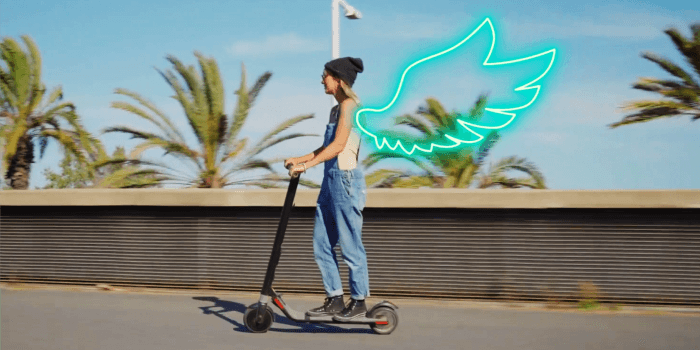
Motion Tracking
Tracking is easily accessible from the main interface of Filmora X.
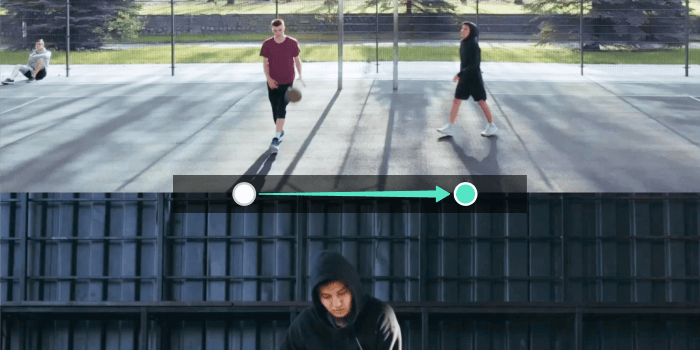

Keyframing
Editable pre-sets make this the easiest keyframing experience around.
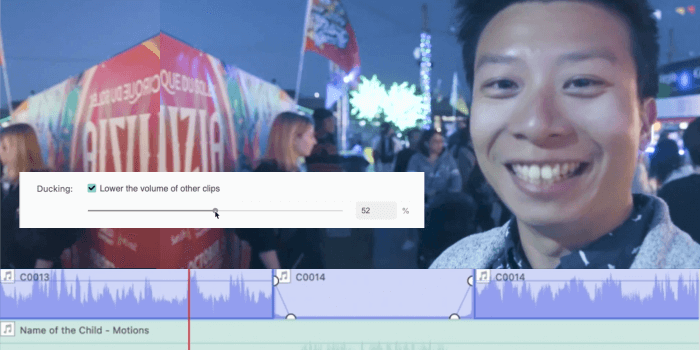

Audio Ducking
It’s only one click to fade one audio track down under another.
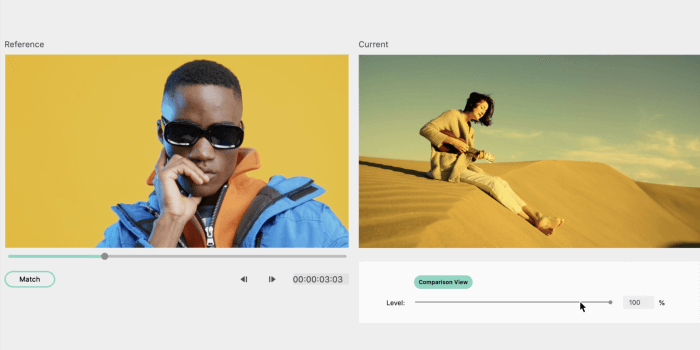

Color Matching
Take the color settings from one clip and apply them to a whole batch of clips quickly.
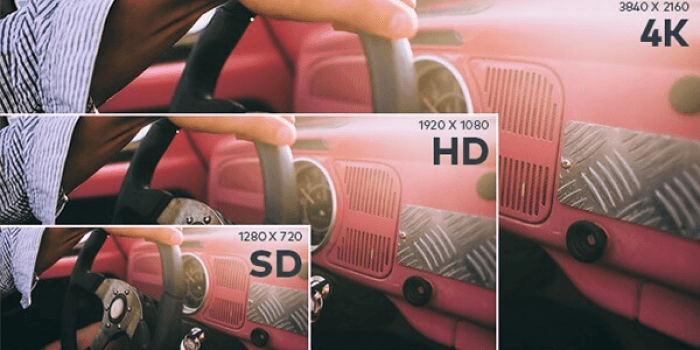

4K Editing Support
Edit and export videos at resolutions of up to 4K


Noise Removal
Remove unwanted background noise easily


Picture in Picture (PIP)
Layer multiple video clips using the Picture in Picture track
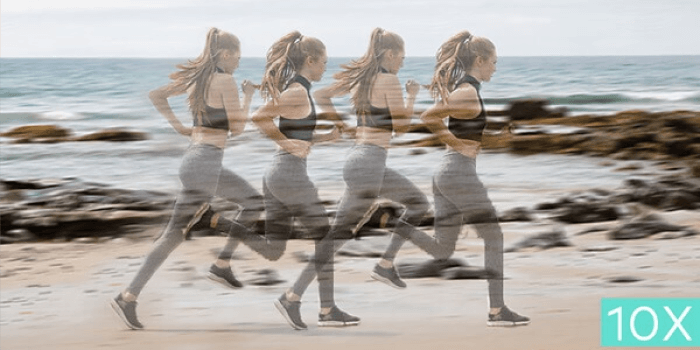

Speed Control
Make your clips up to ten times faster or slower to create time lapses or slow motion effects
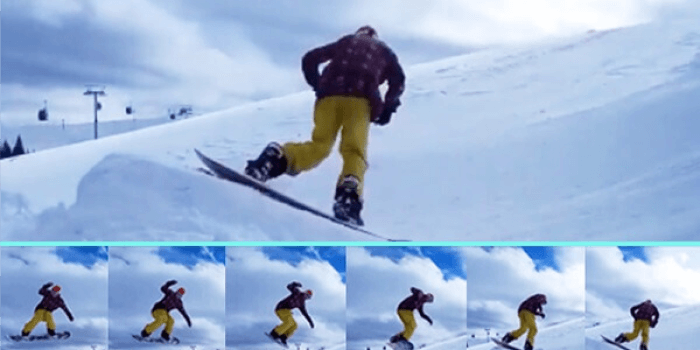

Reverse
Flip your clips and play them backwards
Motion Tracking
Tracking is easily accessible from the main interface of Filmora X.
Keyframing
Editable pre-sets make this the easiest keyframing experience around.
Audio Ducking
It’s only one click to fade one audio track down under another.
Color Matching
Take the color settings from one clip and apply them to a whole batch of clips quickly.
4K Editing Support
Edit and export videos at resolutions of up to 4K
Noise Removal
Remove unwanted background noise easily
Picture in Picture (PIP)
Layer multiple video clips using the Picture in Picture track
Speed Control
Make your clips up to ten times faster or slower to create time lapses or slow motion effects
Reverse
Flip your clips and play them backwards
Enhance videos with 800 stunning effects
Transform your video into a piece of art with over 800 stylish effects
Text & Titles
Add beautiful animated messages from our text & titles library
Music Library
Add tension, comedy, fear and love to every scene with royalty free songs and sound effects
Transitions & Elements
Take your video to the next level by adding impressive Transitions and Motion Elements
Import & Export in almost any format
Import almost any video formats, share your movie any way you want
Frequently Asked Questions
What features does Wondershare Filmora Premium for Mac offer?
Wondershare Filmora Premium for Mac includes features such as motion tracking, audio ducking, color matching, and 4K editing support.
Is there a one-time payment option for Wondershare Filmora?
Yes, you can purchase Wondershare Filmora Premium for Mac with a one-time payment at keys-shop.in.
Can I use Wondershare Filmora Premium on Windows?
Yes, Wondershare Filmora Premium is available for both Mac and Windows platforms.
What is the user limit for Wondershare Filmora Premium?
Wondershare Filmora Premium does not have a user limit; it can be installed on multiple devices as long as you have the license.
Is there a trial version of Wondershare Filmora Premium?
Yes, Wondershare offers a trial version of Filmora Premium for users to explore its features before making a purchase.



GEETA RANI –
did as commitment..good people and super fast service..hope it will remain excellent thought the year… recommending with trust..
HAYAT ALAM BHAT –
I like it ??
AMIT K SAROHA –
Thank you. Got it quickly and everything works
AVTAR SINGH –
Great item and great seller! Instant delivered!
DHAWAL KHARBANDA –
Great service!! As described!! Very pleased and satisfied!! A+++++