
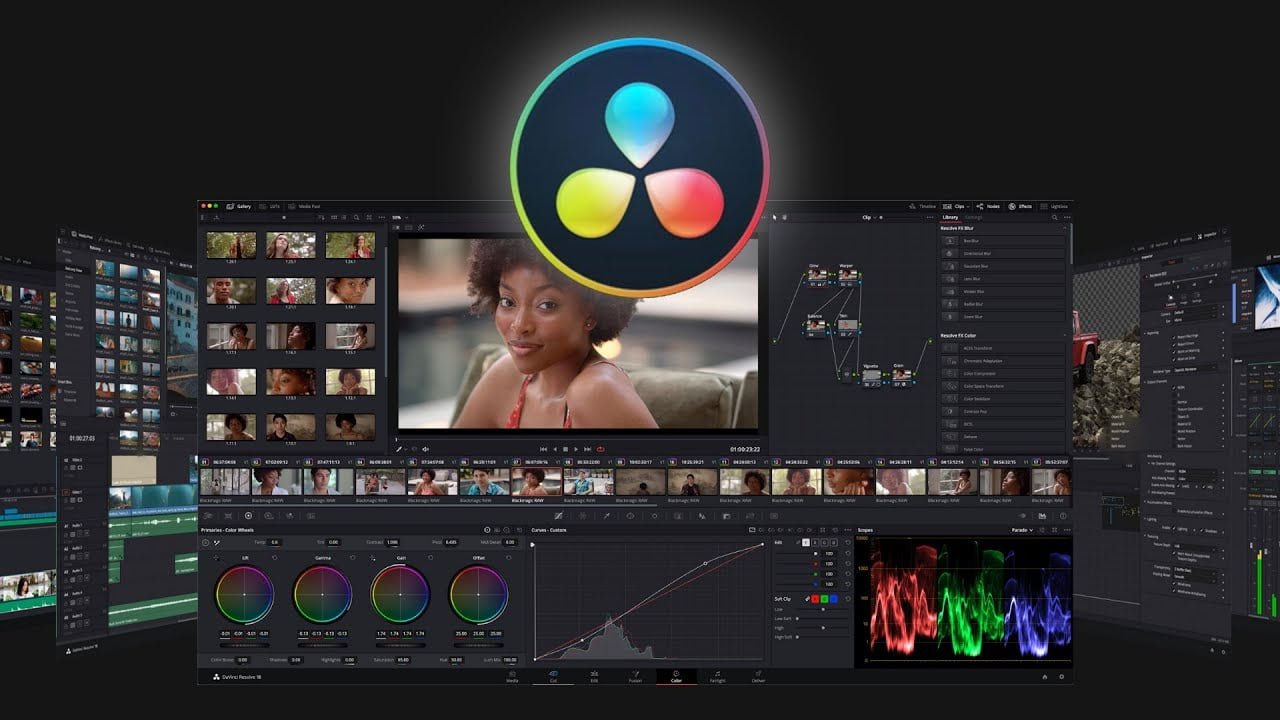


Overview of Blackmagic Design DaVinci Resolve Studio Benefits
This program now has complete Fusion visual effects and motion graphics built in! The Fusion page gives you a complete 3D workspace with over 250 tools for compositing, vector painting, keying, rotoscoping, text animation, tracking, stabilization, particles, and more.
You get unlimited creative flexibility because DaVinci Resolve Studio allows individual artists to explore different toolsets. It also lets you collaborate and bring people with different creative talents together.
This program includes everything professional editors need to cut blockbuster films, television shows, and commercials. It’s perfect for both offline and online editing. The high-performance playback engine makes editing and trimming incredibly fast, even for processor-intensive formats such as H.264 and RAW.
It makes importing, syncing, and organizing footage fast! Whether going out to the web, tape, or theatrical distribution, DaVinci Resolve features everything you need to deliver projects in virtually any format! You’ll be able to get to work quickly and output files fast, so you’ll never miss a deadline!
Overview of Blackmagic Design DaVinci Resolve Studio Features
- Professional Editing
- Fusion Effects
- Color Correction
- Fairlight Audio
- Media and Delivery
- Multi-User Collaboration
- DaVinci Resolve Studio
- New High-Performance Playback Engine
- Legendary DaVinci Quality
- Hardware Control Panels
- Fairlight Professional Consoles
- Open and Compatible
Minimum System Requirements for Windows:
- 16 GB of system memory is recommended, and 32 GB is recommended minimum when using Fusion
- Blackmagic Design Desktop Video version 10.4.1 or later
- NVIDIA/AMD/Intel GPU Driver version – As required by your GPU
- RED Rocket-X Driver 2.1.34.0 and Firmware 1.4.22.18 or later
- RED Rocket Driver 2.1.23.0 and Firmware 1.1.18.0 or later
Frequently Asked Questions
What are the system requirements for DaVinci Resolve Studio 20?
DaVinci Resolve Studio 20 requires a minimum of Windows 10, 16 GB of RAM, and a compatible GPU for optimal performance.
Is there a trial version of DaVinci Resolve Studio available?
Yes, Blackmagic offers a free version of DaVinci Resolve, but the Studio version includes additional features and tools.
Can I use DaVinci Resolve Studio for color grading?
Absolutely! DaVinci Resolve Studio is renowned for its advanced color grading capabilities, making it a favorite among colorists.
What payment methods are accepted for purchasing DaVinci Resolve Studio?
You can make a one-time payment using various methods, including credit cards and online payment options available on keys-shop.in.
Is customer support available after purchasing DaVinci Resolve Studio?
Yes, keys-shop.in provides customer support for any inquiries or issues related to your purchase of DaVinci Resolve Studio.



Reviews
There are no reviews yet.