An IPTV subscription lets you watch live TV over your internet connection. You do not need a dish or a cable wire. This guide explains what IPTV is, what you can watch, and how to pick a plan that suits your home.
Want to buy now? See our plans and pricing on the IPTV Accounts Subscription page. Our team replies on WhatsApp, email, or live chat within 15 minutes.
What is IPTV?
IPTV stands for Internet Protocol Television. It sends TV channels to your screen through your broadband connection. This is different from a DTH dish or an old cable wire.
The technology is the same idea used by big streaming apps. Your channels arrive as internet data. So you need a working internet connection, not a rooftop antenna.
A basic 30 Mbps broadband plan is enough for smooth viewing. A faster line helps if many people watch at once in your home.
What can you watch?
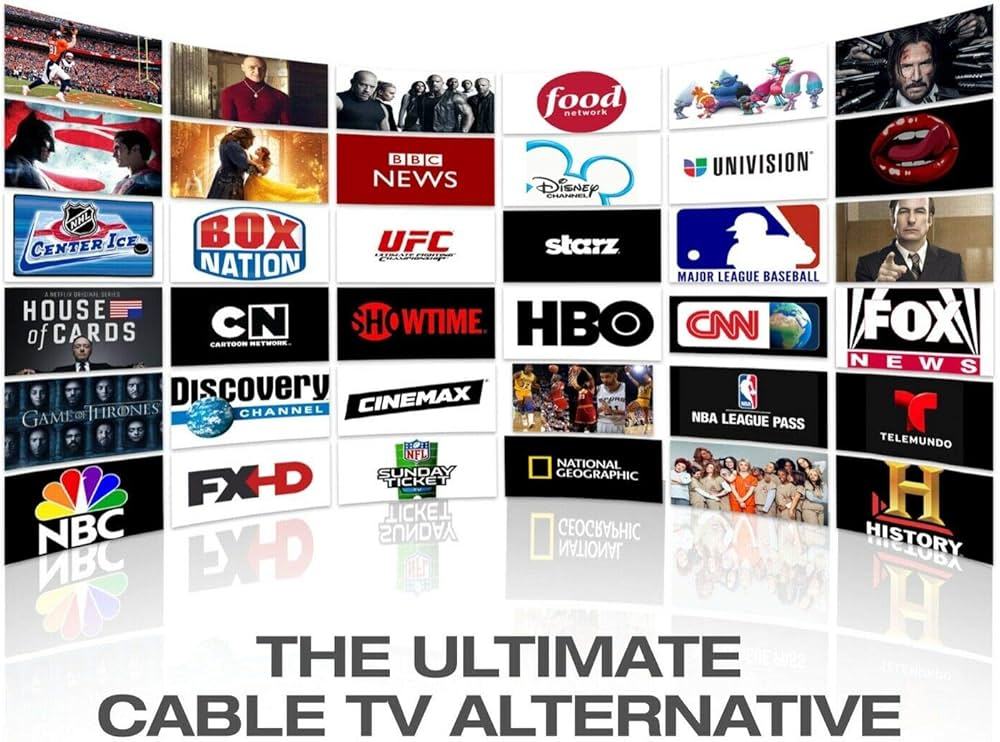
A good IPTV service carries a wide mix of channels. Here are the main types you get with our subscription:
- Live sports. Cricket, football, motorsport, tennis, kabaddi, and more, across Indian and international channels.
- Movies on demand. A large library of Hindi, regional, and English films you can start anytime.
- Regional Indian channels. Hindi, Tamil, Telugu, Malayalam, Bengali, Marathi, and other language networks.
- International channels. News, lifestyle, and entertainment networks from around the world.
- News and kids. Live news channels plus a dedicated set of children’s channels.
You get over 10,000 live channels in total, plus a large movie library. The exact line-up keeps growing.
The features that actually matter
Channel count alone does not make a service good. These features decide your real day-to-day experience:
- Stable servers. A good provider uses fast servers tuned for Indian internet speeds. This stops freezing during busy match hours.
- HD and 4K quality. Clear picture on a big screen, as long as your internet speed allows it.
- Electronic Programme Guide (EPG). An on-screen TV guide that shows what is playing now and later.
- Catch-up and recording. Many channels let you rewind or watch a show that already aired.
- Multi-device support. Watch on your Smart TV at home, then on your phone during a commute.
Which devices work with IPTV?
Setup is simple. If you can install an app, you can run IPTV. These devices all work:
- Android Smart TVs like Sony, OnePlus, Mi, and generic Android models.
- Amazon Firestick, which plugs into any older TV with an HDMI port.
- Android and iOS phones and tablets, for watching on the go.
- Windows and Mac laptops, through a player app or browser.
You install a free player app, such as IPTV Smarters Pro. You then enter the login details we send you. Your channels load in a few minutes.
How to choose a good IPTV plan
Before you buy from anyone, check these points. They separate a reliable service from a cheap, short-lived one:
- Server stability first. A stable feed matters more than a huge channel number. Ask if the servers are built for Indian speeds.
- A short trial. A day-long trial lets you test buffering and channel quality before you commit to a year.
- Clear device support. Confirm the service runs on your exact TV or stick.
- Real support. A proper seller helps you set up the app and fixes login issues quickly.
- A registered seller. Buy from a known business, not an anonymous chat group that can vanish after payment.
If you match the plan length to how you watch, you avoid overpaying. A trial suits a one-off event. A yearly or lifetime plan suits a family that watches daily.
Ready to start watching?
IPTV gives you more choice than an old satellite dish, on devices you already own. Pick the plan length that fits your home and start in minutes.
Frequently asked questions
What internet speed do I need for IPTV?
A 30 Mbps broadband plan works well for one screen. Use a faster line if several people watch at the same time.
Do I need a set-top box?
No. You use a Smart TV, Firestick, phone, or laptop you already own. There is no extra hardware to buy.
Which app do I use to watch?
A free player app like IPTV Smarters Pro. You install it, then enter the login details we send you.
Can I watch on more than one device?
Yes, our plans support watching across your TV, phone, and other devices. Ask our team for the exact device limit on your plan.
How fast do I get my login details?
We send your details right after payment. If you need help, our WhatsApp support replies within 15 minutes.
What if my channels stop working?
Message us on WhatsApp, email, or live chat. We troubleshoot your setup live until your channels work again.