In today’s digital world, everyone needs a lot of storage. Whether you’re a creative person with tons of 4K videos or a business owner keeping years of financial records safe, how you store your files in the cloud really affects how well you work. A common question people ask is: Is Google One Premium Storage for Life a good idea?
This guide will clear up what lifetime offers actually mean. We’ll look at how storage works with tools like Windows 11 Professional, and we’ll stack up Google’s system against big players like Dropbox Premium and Office 365 Pro Plus.
What is Google One Premium Storage?
Google One is more than just extra space for your Gmail. It’s a service that gives you more storage across Google Drive, Gmail, and Google Photos.
The Lifetime Idea: Fact vs. Fiction
Google doesn’t actually sell lifetime subscriptions for Google One. Their business relies on people paying monthly or yearly. So, if you see someone else selling Google One Premium Storage For Life, be very careful. These often turn out to be special accounts for schools or businesses that can be taken away at any time, meaning you could lose all your data.
For regular users, the real value is in the Premium 2TB+ plans, which now come with cool stuff like Gemini AI and better security.
Getting the Most Out of Your Computer: Windows 11 Professional
To really use cloud storage well, your computer’s operating system needs to be up to par. Windows 11 Professional helps connect your computer’s power with the cloud’s flexibility.
Why Windows 11 Pro?
Works smoothly: Windows 11 Pro lets you see your Google Drive or OneDrive files right in your File Explorer, without taking up space on your computer.
Safe and sound: With BitLocker encryption and Windows Information Protection, your data is safe even before it gets to the cloud.
Get more done: Features like Snap Layouts and Virtual Desktops make it easier to handle big work tasks.
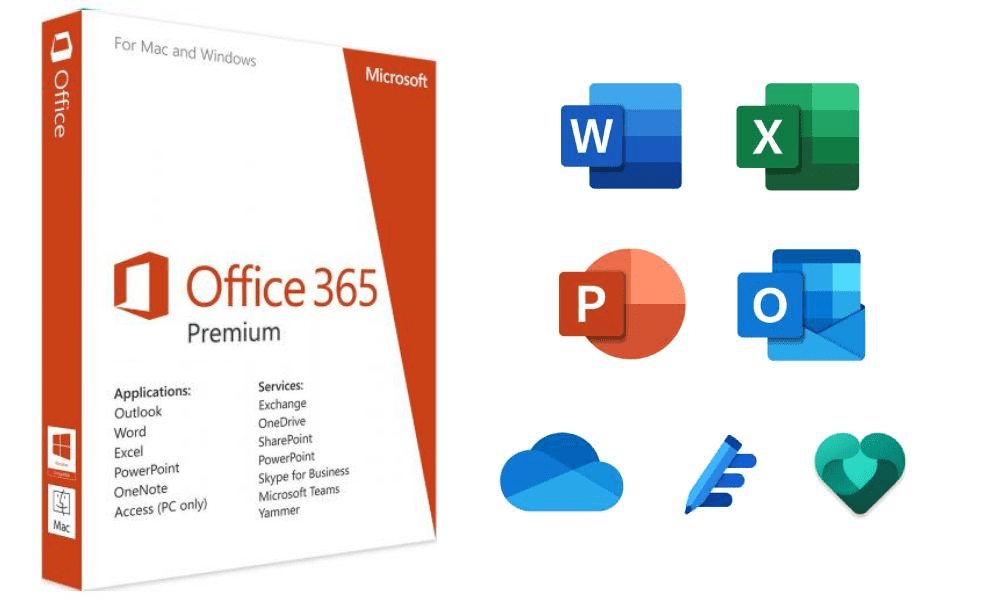
The Go-To for Getting Work Done: Office 365 Pro Plus :
Storage is important, but so are the tools you use to create all that data. Office 365 Pro Plus is still the top choice for everyday people and businesses.
When you get an Office 365 Pro Plus subscription, you get more than just Word and Excel; you get a system that works on all your devices. You can put these apps on up to 5 devices, so you can start a document on your Windows 11 Pro computer and finish it on your iPad while you’re traveling, and everything stays in sync in the cloud.
Google One vs. Dropbox Premium:
For many, the choice comes down to which system you prefer. Dropbox Premium offers something a bit different from Google.
Why Choose Dropbox Premium?
Get files back: Dropbox is known for its rewind feature, letting you bring your account back to how it was up to 30 days ago.
Smart Sync: While Google has gotten better, Dropbox’s faster syncing for big files is still a win.
Your own email: Dropbox lets you send big files through your own email, which looks more professional for businesses.
Is It Worth It for Businesses?
For businesses, a storage plan is good if it means no downtime, easy teamwork, and strong security.
Using Windows 11 Professional with Google One makes a strong setup. Many businesses use Office 365 Pro Plus for their documents and Google One for photos and emails.
To Wrap It Up :
You won’t find a true lifetime deal for Google One straight from Google. Your best bet is to check out their yearly plans; they usually come with a 17% discount.The real good thing about it is knowing that your data is handled by a top company, works with your computer, and you can get to it from any device.
FAQ :
1. Can I really buy Google One Premium Storage for a lifetime? Officially, no. Google only offers monthly or annual subscriptions. Beware of third-party sites claiming to sell lifetime access, as these are often scams or unauthorized enterprise sub-accounts.
2. Does Office 365 Pro Plus work on Mac and Android? Yes! The Office 365 Pro Plus version mentioned in this guide supports up to 5 devices across Windows, Mac, Android, and iOS, allowing for seamless cross-platform productivity.
3. Is Windows 11 Pro better than Home for business storage? Yes. Windows 11 Professional includes advanced security and management features like BitLocker and Remote Desktop, which are essential for protecting business data stored in the cloud.
4. How does Dropbox Premium handle “Own Email” features? Dropbox allows you to integrate your professional email for sharing links and tracking file opens, making it a favorite for freelancers who want to maintain a professional brand image.
5. Which is cheaper: Google One or Office 365? Price-wise, they are competitive. However, Office 365 often provides better value for creators because it includes the full suite of Office apps (Word, Excel, PowerPoint) along with 1TB of OneDrive storage.